When managing a website, encountering errors is inevitable. One of the more common errors you might see is the 401 status code, which signifies "Unauthorized." But what exactly does this mean, and how can it affect your website's user experience and SEO?
In this article, we’ll break down the 401 status code, what causes it, and how to fix it. Plus, we'll provide actionable tips to ensure your website is secure and functioning smoothly.
What Is a 401 Status Code?
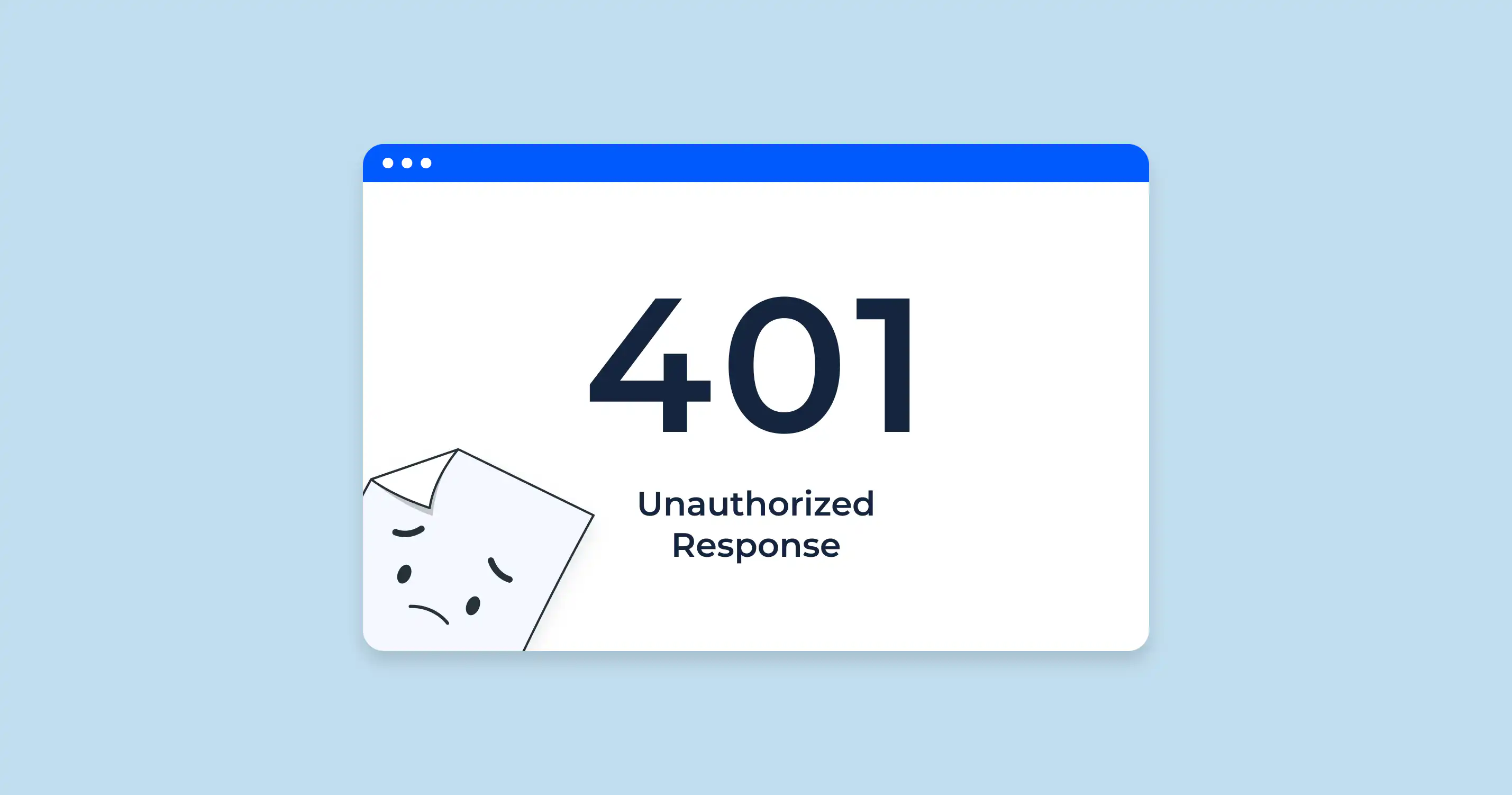
The 401 status code is an HTTP response that indicates a request made by a user lacks proper authentication credentials. In simpler terms, the server has received the request but refuses to fulfill it because the user has not provided valid authentication.
When visitors encounter this error, they are essentially blocked from accessing the page until they log in with the proper credentials.
Common Causes of 401 Errors
Several factors can trigger a 401 error on your website:
- Invalid Login Credentials: If a user enters incorrect login details (username or password), they’ll be greeted with a 401 error.
- Expired Session: Sometimes, a user may be logged out of a session, and when they attempt to access a restricted page, they receive this error.
- Incorrect URL: A misconfigured URL or a request to a private resource without authorization can result in this error.
- Authentication Misconfigurations: This can occur if the server or website is misconfigured to require authentication for a resource that should be publicly accessible.
How to Fix a 401 Error
Fixing a 401 status code is essential for both security and user experience. Here are a few methods to resolve it:
- Check Login Credentials: Ensure that users are entering the correct username and password. If you're managing a website, providing a "Forgot Password" option can help users regain access without frustration.
- Clear Browser Cache: Sometimes, browser caching can interfere with authentication. Clearing the cache may resolve the issue.
- Check Permissions and Roles: If you’re a site administrator, make sure that roles and permissions are correctly assigned to users. Double-check whether certain pages or resources should be restricted.
- Update Authentication Methods: If your website uses outdated authentication methods, consider updating them to modern standards like OAuth or two-factor authentication (2FA) to enhance security and reduce unauthorized access attempts.
For more in-depth guidance on troubleshooting 401 errors, refer to this comprehensive guide.
The Importance of Fixing 401 Errors for SEO
From an SEO perspective, a 401 error can hurt your site's user experience and rankings. If users consistently encounter this error, they may leave your site, increasing your bounce rate. This can signal to search engines that your website provides a poor experience, which can negatively impact your rankings over time.
For more on status codes, be sure to check out our post on 422 status codes.
How 720 Digital Marketing Can Help
If you're dealing with recurring 401 errors or other technical issues on your website, let 720 Digital Marketing take the reins. We specialize in SEO, website management, and content creation, helping businesses across the USA maintain a strong online presence and avoid technical mishaps.
Visit us at 720 Digital Marketing to learn more about our services and how we can help your business grow.
Frequently Asked Questions
What does a 401 status code mean?
A 401 status code means "Unauthorized." The server received the request but refuses to fulfill it because the user has not provided valid authentication credentials. Visitors are blocked from the page until they log in with the correct details.
What causes a 401 error on a website?
Common causes include incorrect login credentials, an expired session, a misconfigured URL pointing to a private resource, and authentication misconfigurations that require a login for pages that should be publicly accessible.
How do you fix a 401 error?
Start by verifying login credentials and clearing the browser cache, since cached data can interfere with authentication. Site administrators should also review user roles and permissions, and consider updating to modern authentication methods like OAuth or two-factor authentication.
Can 401 errors hurt your SEO rankings?
Yes. When users repeatedly hit a 401 error and leave, it raises your bounce rate, which can signal to search engines that your site delivers a poor experience. Over time, that signal can pull down your rankings.
How can 720 Digital Marketing help with recurring 401 errors?
720 Digital Marketing specializes in SEO, website management, and content creation, helping businesses maintain a strong online presence and resolve technical issues. You can reach the team or request a quote at https://720digitalmarketing.com/contact/.