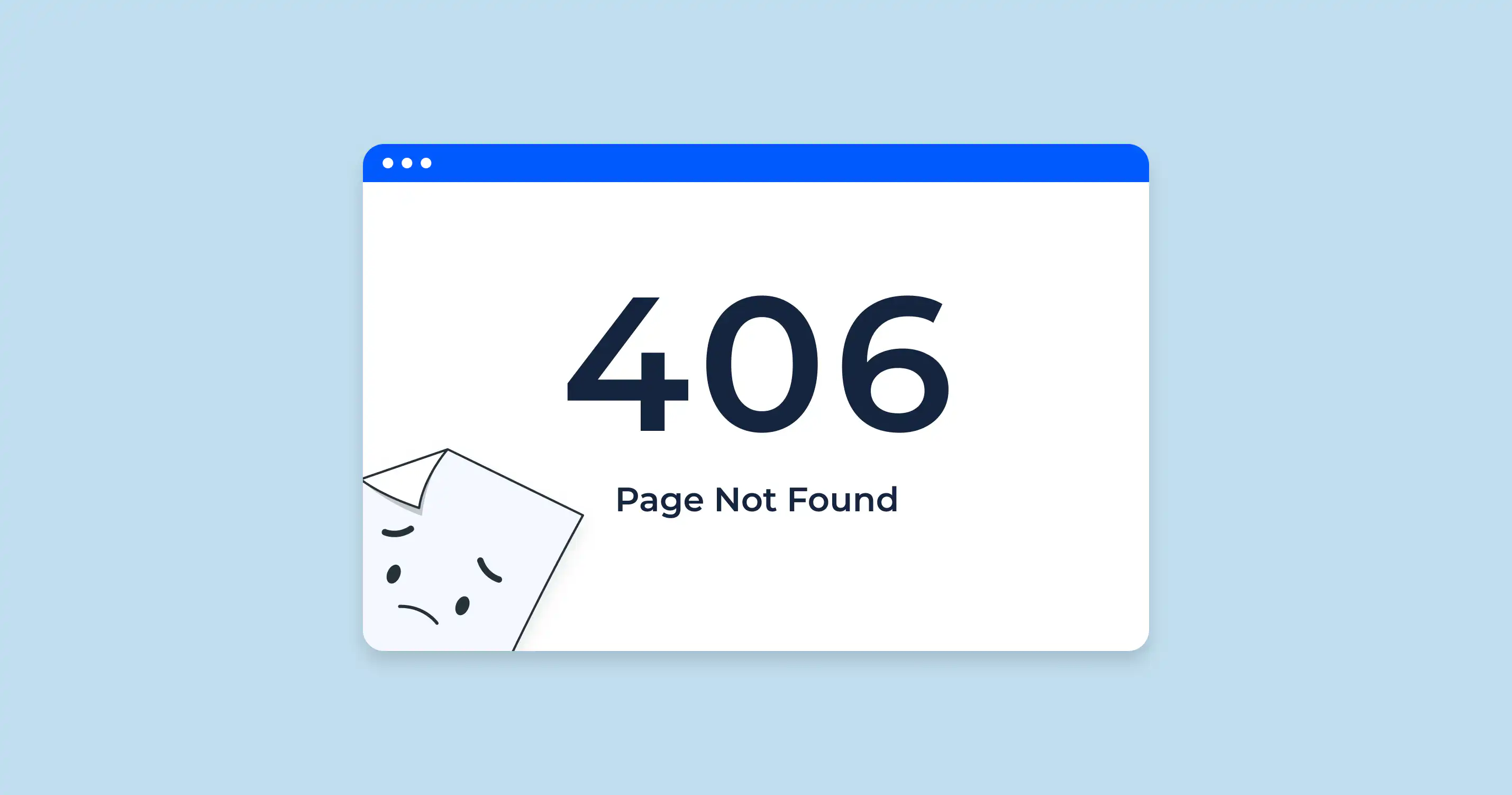
When browsing the web, status codes often work behind the scenes to indicate whether a request was successful or if something went wrong. Among the many HTTP status codes, the 406 Not Acceptable code is a bit more specialized but essential for developers, website owners, and SEO specialists to understand.
In this article, we’ll break down what the 406 status code means, why it occurs, and how you can resolve it to ensure your website operates smoothly and meets user expectations.
What Is a 406 Status Code?
A 406 status code indicates that the server cannot generate a response that matches the client’s “Accept” headers. Essentially, the client (usually a browser or app) requests data in a specific format or language, and the server cannot fulfill that request.
For instance, a user’s browser may specify that it only accepts JSON-formatted data, but your server is configured to serve only HTML or XML. This mismatch results in a 406 error.
Common Causes of a 406 Status Code
- Mismatched Accept Headers
The client’s “Accept” header specifies unsupported content types, such as media formats or specific languages. - Server Misconfiguration
Your server may not be properly configured to deliver the content the client expects. - Outdated or Incompatible Software
Sometimes, outdated web server software or plugins can cause this issue by restricting content negotiation capabilities. - API Request Issues
In web applications, APIs can trigger this error if the request headers don't align with the API’s supported formats.
How to Fix a 406 Status Code
- Check and Update Accept Headers
Verify the “Accept” headers being sent by the client and ensure your server supports the requested content types. - Configure Your Server
Update your server settings to handle more content types or properly handle default content negotiations. - Implement Fallback Responses
If the client’s requested format isn't supported, configure your server to send a default response, such as HTML. - Debug APIs
If the issue arises from an API, check its documentation to ensure compatibility between your request headers and the API’s supported formats.
Why Fixing 406 Errors Matters for Your SEO
If users or search engines encounter 406 errors on your website, it can negatively impact your SEO performance. Search engines like Google may interpret frequent errors as signs of a poorly maintained website, which could lower your rankings.
Additionally, users encountering this issue may leave your site altogether, increasing your bounce rate and further damaging your online reputation.
For more information about how different HTTP status codes impact your website, check out our blog post on What Is a 503 Status Code?.
Learn More About Status Codes
Understanding and managing HTTP status codes like 406 is essential for maintaining a high-performing website. For an in-depth guide, you can explore this comprehensive article on HTTP status codes.
How 720 Digital Marketing Can Help
At 720 Digital Marketing, we specialize in crafting websites that are fast, user-friendly, and SEO-optimized. Whether you're dealing with technical issues like HTTP errors or looking to boost your online visibility, our team is here to help.
👉 Visit us today at 720digitalmarketing.com to learn more about our services and how we can take your online presence to the next level!
By resolving 406 status codes and optimizing your website, you’re not just fixing errors, you’re creating a seamless experience for your users and improving your site's performance in search engines. Let us help you reach your digital marketing goals!
Frequently Asked Questions
What does a 406 status code mean?
A 406 status code means the server cannot generate a response that matches what the client's Accept headers requested. For example, a browser might request JSON-formatted data, but the server is only configured to serve HTML or XML, causing the mismatch.
What are the most common causes of a 406 error?
The most common causes include mismatched Accept headers, server misconfiguration, outdated or incompatible software, and API request issues. Each of these can prevent the server from delivering content in the format the client expects.
How do you fix a 406 Not Acceptable error?
Start by verifying the Accept headers the client is sending and confirming your server supports those content types. You can also update server settings to handle broader content negotiations, implement fallback responses, and review API documentation to ensure header compatibility.
Can 406 errors hurt your website's SEO rankings?
Yes. Search engines like Google may treat frequent 406 errors as a sign of a poorly maintained website, which can lower your rankings. Users who encounter these errors may also leave quickly, raising your bounce rate and damaging your site's reputation.
How can 720 Digital Marketing help with HTTP errors like 406?
720 Digital Marketing specializes in building websites that are fast, user-friendly, and SEO-optimized. If your site is running into technical issues like HTTP errors, you can reach the team at 629-206-7201 or visit the contact page at 720digitalmarketing.com/contact/.