
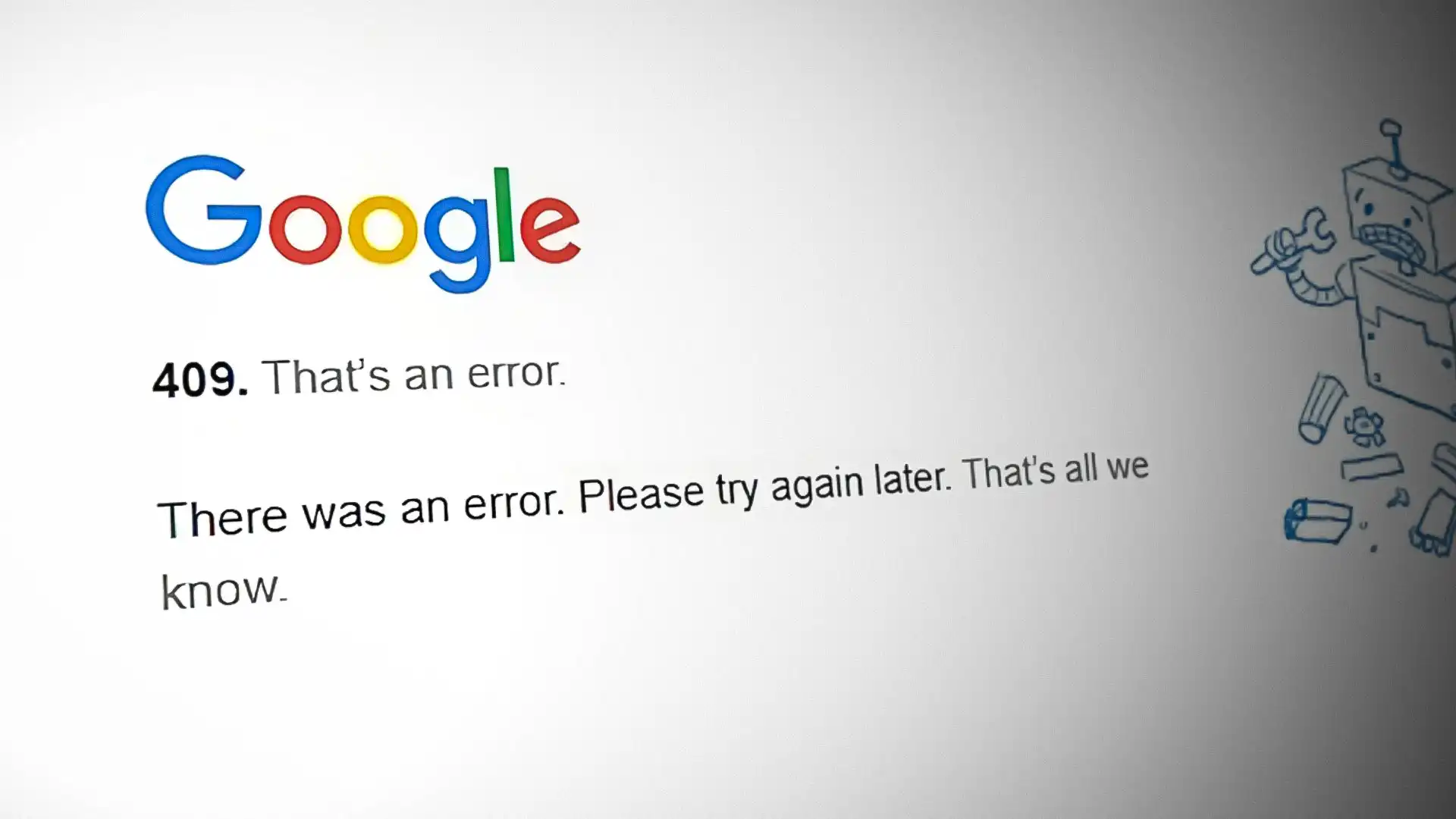
In the world of web development, HTTP status codes are essential for communicating between clients and servers. One of these is the 409 status code, also known as "Conflict." This error occurs when a request could not be processed because of a conflict with the current state of the target resource. Understanding this status code is critical for developers, as it often points to issues that must be resolved before a request can be successfully completed.
What is a 409 Status Code?
The 409 status code signals that the server has encountered a conflict with the resource it is trying to modify or process. Essentially, the server is telling the client, "I understand the request, but something is conflicting with the resource's current state." This conflict prevents the action from being completed until the issue is resolved.
An example of when a 409 conflict might occur is during a PUT request to update a resource. If two clients are attempting to make changes to the same resource simultaneously, and their updates would result in a conflict (such as incompatible data changes), the server may respond with a 409 error.
Common Causes of a 409 Conflict
There are several scenarios where a 409 status code might be encountered:
- Version Control Conflicts: This is common when multiple users or systems attempt to update the same resource simultaneously. When the resource versions do not align, a conflict arises.
- Duplicate Resource Creation: A conflict can also occur if a resource that is trying to be created already exists, such as attempting to create a new user with the same username or email address.
- Business Logic Violations: Some systems have specific business rules that need to be followed. For example, a request to transfer funds may fail if certain financial thresholds are not met.
How to Resolve a 409 Conflict
Resolving a 409 conflict typically involves the client updating their request to reflect the current state of the resource. Here are a few potential solutions:
- Retry After Re-fetching: The client can re-fetch the resource, apply their changes based on the latest version, and then resubmit the request.
- Conflict Resolution in Code: Developers may need to include conflict resolution logic in their code to handle simultaneous updates to a resource more gracefully.
- Unique Identifiers: Ensuring that unique identifiers are used correctly can prevent conflicts from duplicate resource creation.
For a deeper dive into HTTP status codes and how they can impact your website’s performance, check out this article on HTTP error responses and how to handle them by Mozilla.
Final Thoughts
Understanding the 409 status code and how to resolve conflicts in HTTP responses can help ensure smoother communication between clients and servers. Properly handling these errors can prevent disruptions and improve the overall user experience on your website.
For more insights on similar HTTP errors, check out our post on 422 Status Codes.
About 720 Digital Marketing
At 720 Digital Marketing, we specialize in helping businesses improve their digital presence, whether it’s optimizing your website, creating compelling content, or implementing SEO strategies to boost your rankings. If your business is facing challenges with its website, whether due to status code errors or something else, we’re here to help. Visit our homepage to learn more about how we can assist your business in reaching its digital marketing goals!
Frequently Asked Questions
What does a 409 status code mean?
A 409 status code means the server understood the request but could not complete it because of a conflict with the resource's current state. The server is essentially telling the client that something needs to be resolved before the action can go through. Until that conflict is cleared, the request will not succeed.
What causes a 409 conflict error?
The most common causes are version control conflicts, duplicate resource creation, and business logic violations. For example, two clients trying to update the same resource at the same time can produce a 409 error. Attempting to create a user with an already existing username or email is another typical trigger.
How do you fix a 409 conflict error?
Start by re-fetching the resource to get its latest state, apply your changes to that version, and resubmit the request. Developers can also add conflict resolution logic to handle simultaneous updates more cleanly. Using unique identifiers correctly helps prevent conflicts from duplicate resource creation in the first place.
Can a 409 error affect my website's user experience?
Yes, unhandled 409 errors can disrupt the communication between clients and servers and degrade the experience for your users. Properly resolving these conflicts keeps that communication smooth and prevents unnecessary interruptions. Addressing them at the code level is the most reliable long-term fix.
Where can I get help if my site has HTTP error issues?
720 Digital Marketing works with businesses to improve their digital presence, including website optimization and technical issues like status code errors. You can reach the team at 629-206-7201 or visit the contact page to get a quote and talk through what your site needs.